Notification widget to boost feature discovery and adoption
Deliver dynamic updates that keep your audience informed - directly from your website or embedded in your app.
Slide updates into your app or site without changing screens
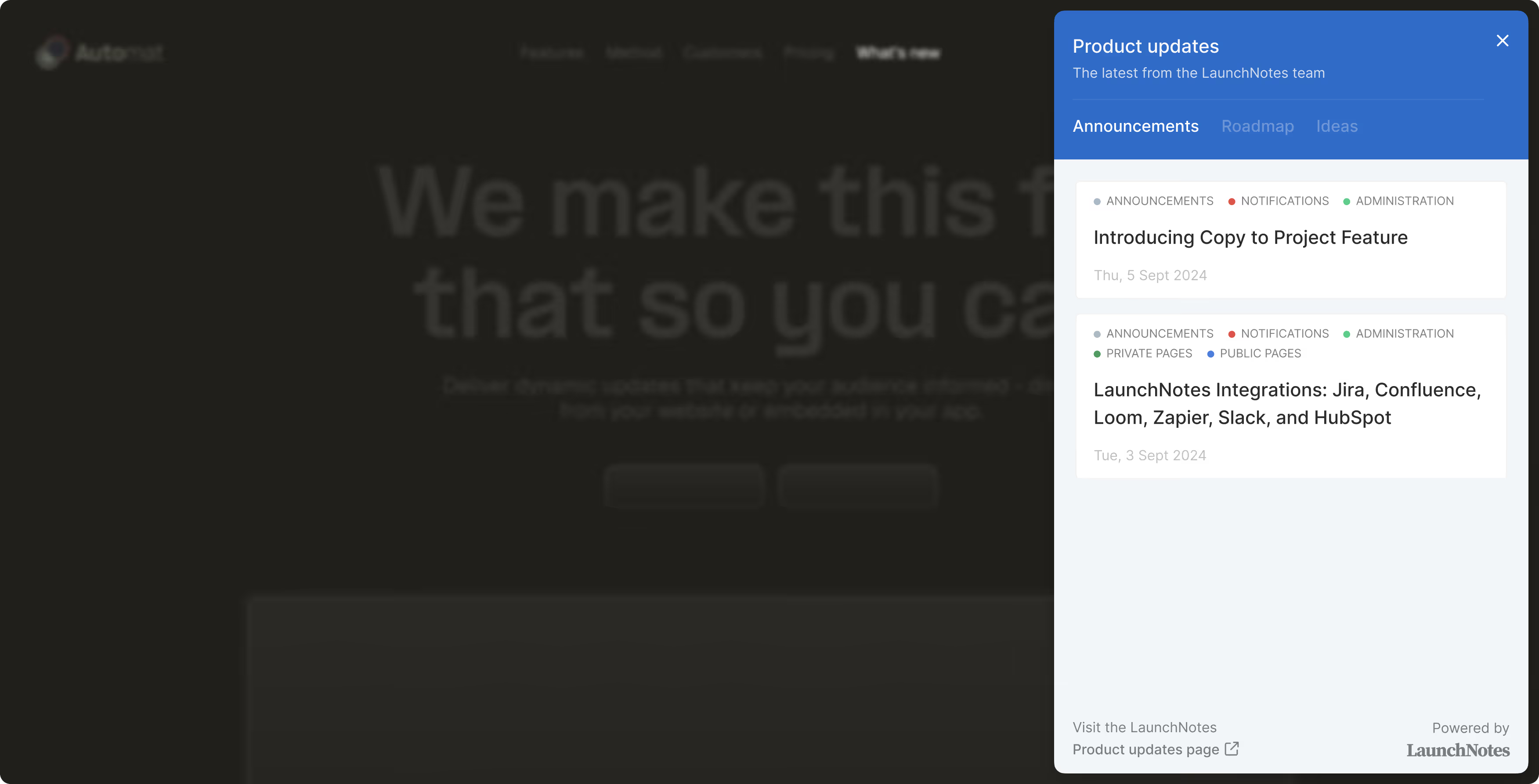
Open updates from a button or link
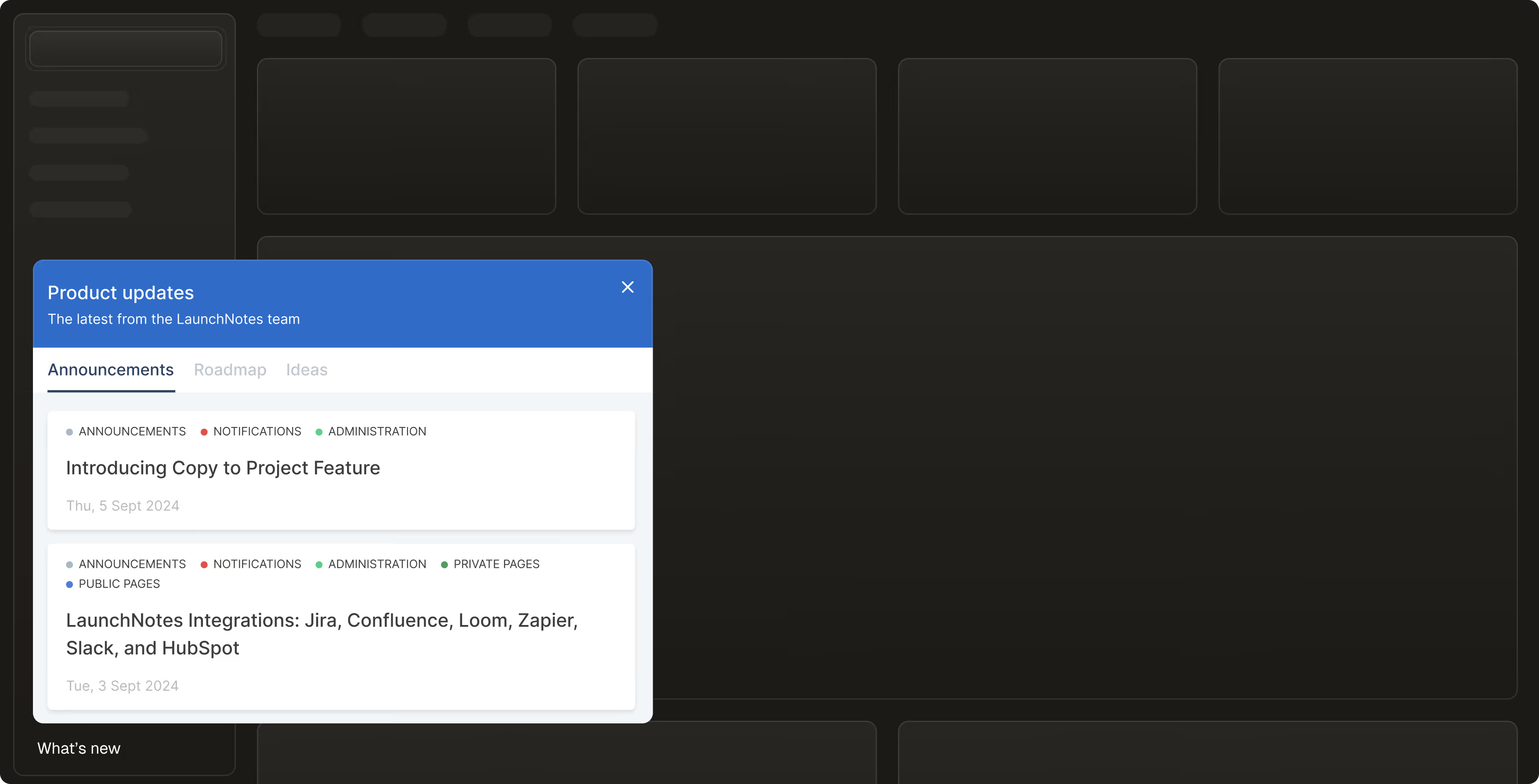
Embed updates directly into a page
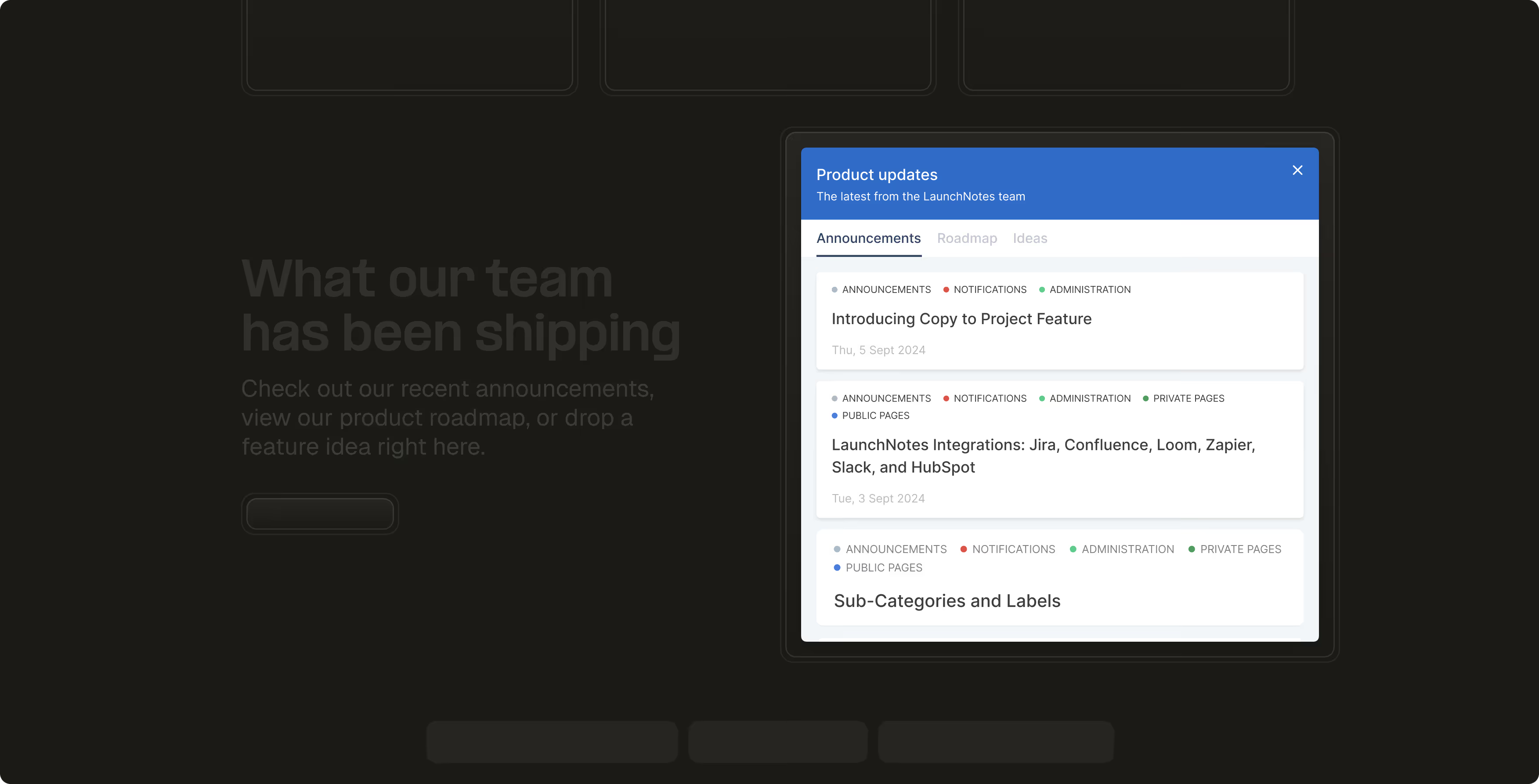

Why choose our enhanced notification widget and updates?
The LaunchNotes product updates widget makes it easy to keep customers informed and engaged with product announcements, roadmap visibility, and features you're considering. Provide your customers direct access to all that is going on with your product right from within your app.
By integrating a sophisticated notification widget, you ensure your community stays connected, much like how a modern Android user relies on their home screen for quick info. This tool acts as a dedicated notification bar that delivers important messages precisely when they are needed, rather than burying them in an inbox.
One embedded experience for every product update
All-in-one widget
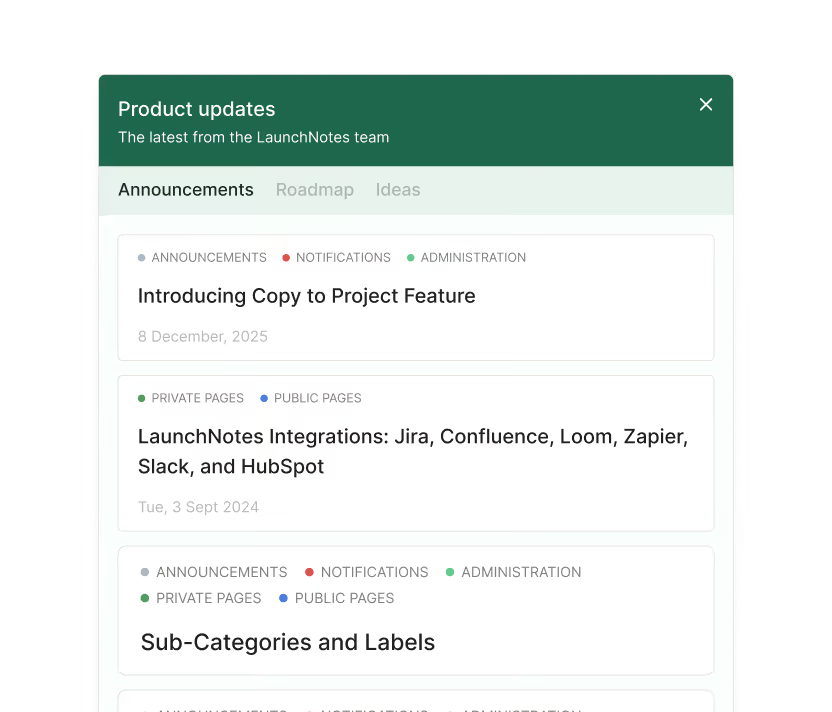
Give customers one place to follow what shipped, what’s planned, and what they can weigh in on.
Add it with one snippet
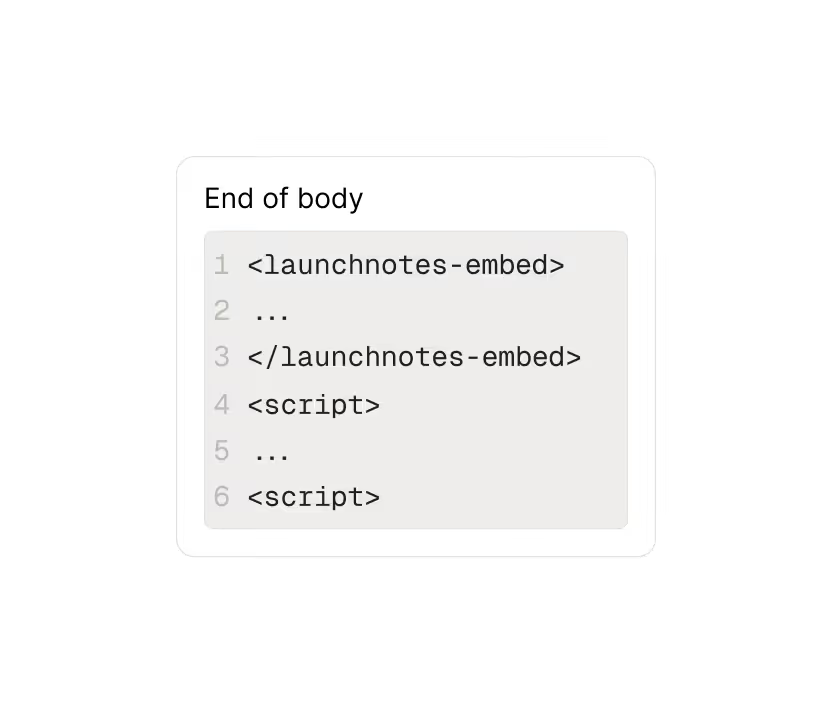
Drop LaunchNotes into your app or website in minutes with a lightweight embed.
Always on brand
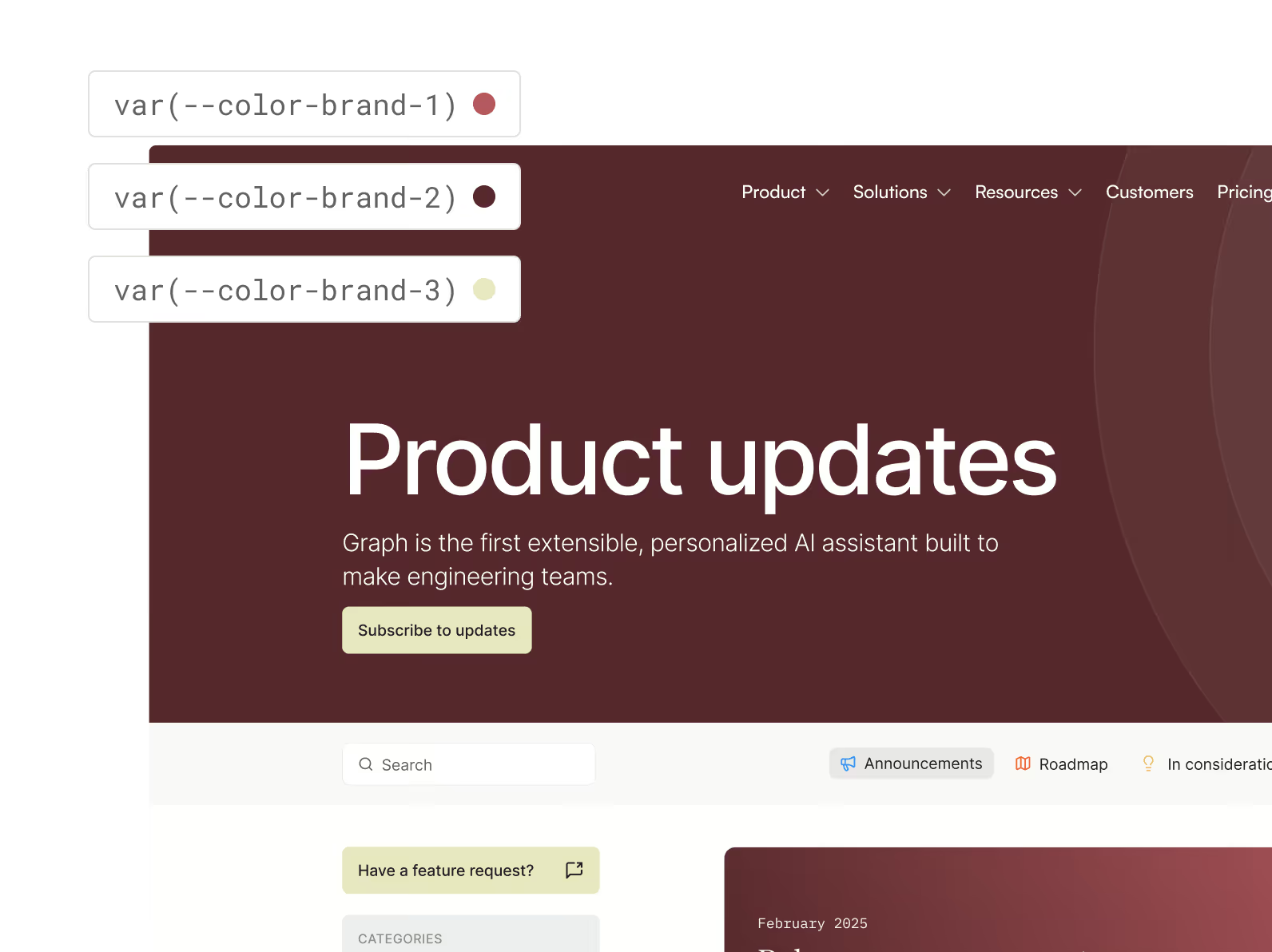
Automatically inherit your LaunchNotes page styling so every surface feels consistent.
Frequently asked questions
Yes, the widget includes a search function that lets users find historical updates or specific fixes without leaving the app. If someone remembers seeing an announcement a few weeks back, they can pull it right up.
That self-service option cuts down on support tickets, since users can answer their own questions about recent changes, and it turns your widget into a living archive of your product's evolution.
Giving users a searchable changelog interface lets them stay informed at their own pace, which builds long-term satisfaction.
No, the LaunchNotes widget is optimized for performance and has a negligible impact on your page load times. We use asynchronous loading and CDNs so the feed loads fast, every time.
App speed is a top priority for any product team, and our infrastructure is built to respect that: you get a rich, interactive feature announcement without compromising the core user experience.
That technical efficiency is what makes it a reliable choice for enterprise-grade applications serving a global user base.
LaunchNotes supports audience segmentation, so you can show different updates to different users through the widget. You might show a new feature announcement only to power users or beta testers, for example.
That targeting cuts down on update fatigue by making sure people only see what's relevant to their role or plan level, which is more effective than a generic blast to everyone.
It lets your team stay surgical with communication, so every notification adds real value for the person receiving it.
Absolutely. The LaunchNotes widget is built mobile-first, so your announcements look great on any screen size. Whether users are on a desktop browser or a phone, the feed scales to stay readable.
That consistency matters, since users expect the same experience across every device they use.
Making your in-app messaging mobile-ready means you reach a broader audience and keep your updates accessible no matter how or where people choose to work.
The widget includes built-in feedback loops, like emoji reactions and comment fields, to gauge how users feel about a new feature. That real-time data gives you an immediate read on whether a launch landed well or needs adjustment, well before support tickets start rolling in.
That proactive approach lets you iterate faster based on actual sentiment instead of guessing.
Collecting this feedback directly inside the widget makes it a genuinely useful tool for understanding how users respond to what you ship.
Localization is built in, so you can deliver updates in your users' native language. For global teams, that matters for making sure international customers feel supported and informed.
You can manage translations directly within the platform, so every new feature announcement resonates across regions instead of getting lost in translation.
Localized content through the widget improves the overall experience and keeps your release process inclusive for every user, wherever they log in from.
The Popover style acts as a notification hub that expands when clicked, which works well for a "what's new" feed. The Inline style embeds the feed directly into a specific page, like a dashboard or a dedicated changelog section.
Both give you a high-quality in-app messaging experience; which one to use depends on how prominently you want your updates displayed.
LaunchNotes lets you use both at once, so your announcement strategy can reach users in whatever context makes the most sense.
LaunchNotes is built for speed: installing the widget typically takes a developer less than 15 minutes. Add a small snippet of JavaScript and you have a full in-app messaging suite ready to go.
That easy setup means your team can start communicating immediately, without waiting on a full engineering sprint, and it requires minimal ongoing maintenance.
Once that initial setup is in place, non-technical team members can update the content dynamically through the LaunchNotes dashboard without touching any code.
The widget offers pixel-level customization so it feels like a native part of your application. Adjust colors, fonts, and CSS to match your brand identity instead of settling for a bolted-on, third-party look.
That level of design control matters for keeping the experience professional, whether you prefer a subtle sidebar or a centered popover.
Making the widget feel like an extension of your own product builds trust and gives every feature announcement a polished, native feel.
Many users ignore emails, but an in-app changelog widget catches their attention while they're actually using your software. A discreet notification badge in your UI alerts users to improvements without interrupting whatever they're doing.
That's a far more effective way to announce a new feature than a traditional blast email. LaunchNotes lets you surface roadmaps and updates directly in the user's workflow, so your hard work doesn't go unnoticed.
That constant visibility is what drives adoption, since it encourages users to explore new capabilities naturally as they move through your product.
You can connect feedback directly to CRM data, giving you a clear view of the financial impact behind every request. Seeing which high-value accounts or segments are asking for specific features helps your team prioritize development based on actual ROI.
That means your roadmap gets driven by real business value, not just the loudest voices in the room.
Linking feedback to revenue also makes it easier to justify development costs to stakeholders and keep your roadmap focused on the initiatives that actually move the needle for the business.


